


Blog
When Should a D2C Brand Redesign Its Shopify Store?

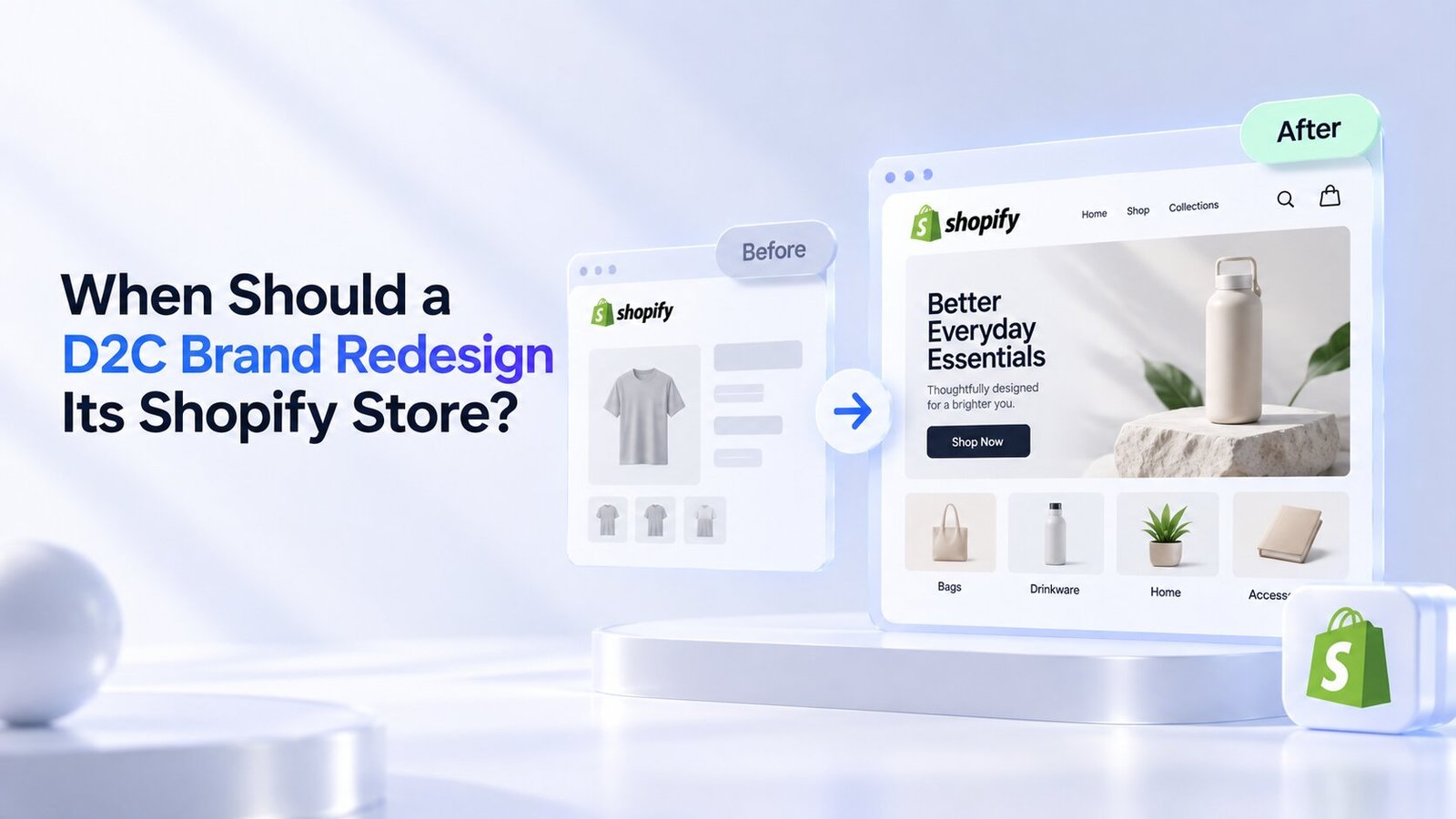
Your Shopify store doesn’t need a redesign just because it looks a little old.
A redesign should solve a business problem.
If customers are struggling to find products, your mobile experience feels outdated, your conversion rate has dropped, or your brand has grown beyond its current website, a redesign may be worth considering.
For D2C brands, your Shopify store is more than an online catalogue. It is where paid traffic lands, customers evaluate your products, compare options, build trust, and ultimately decide whether to buy.
That means even small issues with your store can affect revenue.
So, when should a D2C brand redesign its Shopify store?
Let’s look at the signs that matter.
What Does a Shopify Store Redesign Actually Mean?
A redesign isn’t necessarily about replacing everything.
Depending on the problems you’re facing, it could involve:
- Updating the visual design
- Improving the navigation
- Reworking product pages
- Improving mobile UX
- Simplifying the checkout journey
- Improving page speed
- Reworking the homepage
- Improving collection pages
- Updating your brand identity
- Improving conversion-focused elements
- Changing or upgrading your Shopify theme
The right approach depends on what’s preventing your store from performing better.
Sometimes a few strategic improvements are enough.
Other times, the entire customer journey needs to be reconsidered.
1. Your Conversion Rate Has Been Falling
A declining conversion rate is one of the clearest signs that something may need attention.
For example, imagine your store used to convert at 2.8% but has gradually fallen to 1.5%.
That doesn’t automatically mean you need a complete redesign.
First, investigate what changed.
Possible reasons include:
- New competitors
- Higher traffic from less-qualified audiences
- Changes in pricing
- Poor landing pages
- Website usability problems
- Slow page speed
- Weak product presentation
- Mobile UX issues
- Checkout friction
If the problem is primarily your website experience, a redesign can help remove those conversion barriers.
Don’t redesign based on aesthetics alone.
Use your conversion data to identify where customers are dropping off.
2. Your Store Looks Outdated Compared With Competitors
Customers compare your store with other brands—even if you don’t realise they’re doing it.
If your competitors have:
- Cleaner product pages
- Better photography
- Faster experiences
- Easier navigation
- Better mobile layouts
- Stronger social proof
- More polished branding
your store can feel less trustworthy by comparison.
This is particularly important for premium D2C brands.
Your website should reflect the quality and price of your products.
If you’re selling a premium product through an experience that feels cheap or outdated, there’s a disconnect.
A redesign can bring your website experience closer to the quality of the brand you’re building.
3. Your Brand Has Outgrown Its Current Store
D2C brands change quickly.
You might start with five products and eventually have:
- Multiple collections
- New product categories
- Higher price points
- International customers
- Subscription products
- Wholesale partnerships
- Seasonal campaigns
A store designed for a small catalogue may not work well once the business becomes more complex.
For example, your original navigation might have been:
Home | Shop | About | Contact
After expanding, customers may need:
New Arrivals | Furniture | Home Décor | Best Sellers | Collections | Sale
If the structure hasn’t evolved with the business, customers can struggle to find what they want.
That’s a good reason to reconsider your store architecture.
4. Your Mobile Experience Is Poor
This is one of the biggest reasons to redesign a Shopify store.
Your customers may discover your brand through:
- TikTok
- Influencer content
A large portion of that traffic may arrive on mobile devices.
If your mobile website is difficult to use, you’re creating friction at the exact moment when a customer is ready to evaluate your product.
Look for problems such as:
- Tiny text
- Difficult navigation
- Buttons that are hard to tap
- Images loading slowly
- Excessive pop-ups
- Long product pages
- Poorly positioned CTAs
- Difficult variant selection
- Complicated cart experience
Your mobile store shouldn’t feel like a smaller version of your desktop website.
It should be designed around how mobile customers actually browse and buy.
5. Customers Can’t Find Products Easily
Good ecommerce navigation should make finding products feel effortless.
If customers need to click through multiple pages just to reach a product, your site structure needs attention.
Look at:
- Main navigation
- Collection structure
- Filters
- Search
- Product categorisation
- Breadcrumbs
- Internal linking
For stores with larger catalogues, filtering can become particularly important.
Customers should be able to narrow products by relevant attributes such as:
- Size
- Colour
- Material
- Price
- Style
- Category
A redesign is an opportunity to make product discovery much easier.
6. Your Product Pages Don’t Answer Buying Questions
Your product page is often where the buying decision happens.
If customers have to leave the page to find important information, you may be losing sales.
A strong product page should make key information easy to find.
Depending on the product, this could include:
- Price
- Product benefits
- Dimensions
- Materials
- Product specifications
- Availability
- Shipping
- Returns
- Reviews
- Product photos
- Videos
- FAQs
- Care instructions
Think about the questions a customer would ask before buying.
Then answer those questions directly on the product page.
7. Your Store Is Too Dependent on Discounts
If customers only buy when you offer a discount, your website may not be communicating enough value.
Before increasing discounts, look at your positioning.
Does your store clearly explain:
Why this product?
Why this brand?
Why should I buy now?
Your redesign should strengthen:
- Product value
- Differentiation
- Brand story
- Social proof
- Product benefits
- Quality perception
A stronger website can help customers understand value without relying on constant promotions.
8. Your Paid Traffic Doesn’t Convert Well
If you’re spending heavily on Google or Meta Ads, your Shopify store needs to support that investment.
Imagine spending ₹5 lakh every month on paid advertising but sending that traffic to a slow, confusing website.
Even a small improvement in conversion rate can have a meaningful impact on revenue.
For example:
100,000 visitors × 1.2% conversion rate = 1,200 orders
100,000 visitors × 1.8% conversion rate = 1,800 orders
That’s 600 additional orders from the same amount of traffic.
Before increasing your ad budget, make sure your store is ready to convert the traffic you’re already buying.
9. Your Store Has Too Many Apps and Custom Features
Shopify apps can add useful functionality.
But over time, stores often accumulate apps that:
- Add scripts
- Slow down pages
- Create conflicting features
- Duplicate functionality
- Make maintenance harder
You may also have years of custom code layered onto the theme.
This can make even simple changes difficult.
A redesign gives you an opportunity to clean things up.
Audit your apps and custom functionality before rebuilding.
Keep what genuinely contributes to the customer experience and remove what doesn’t.
10. Your Website Is Slow
Speed directly affects the shopping experience.
Customers don’t want to wait for:
- Product images
- Collection pages
- Cart updates
- Pop-ups
- Product recommendations
- Reviews
A redesign can help reduce unnecessary code and improve the way assets are loaded.
However, don’t assume a complete redesign is always necessary.
Sometimes the solution is simply:
- Compressing images
- Removing unnecessary apps
- Reducing third-party scripts
- Optimising theme code
- Simplifying animations
Diagnose the problem before rebuilding everything.
11. Your Checkout Experience Creates Friction
Getting customers to the cart is only part of the job.
They still need to complete the purchase.
Look at your checkout journey and identify potential friction.
Customers may abandon their purchase because of:
- Unexpected shipping costs
- Limited payment options
- Complicated forms
- Lack of trust
- Unclear returns
- Slow checkout
- Unexpected fees
Not every checkout issue requires a full store redesign.
But if checkout friction is a major part of your conversion problem, it needs to be addressed as part of your optimisation plan.
12. Your Analytics Show Major Drop-Offs
Your analytics can tell you where the customer journey breaks down.
For example:
Landing page → Product page → Add to cart → Checkout → Purchase
If you see a major drop between two stages, investigate why.
You may discover:
- Product information is unclear
- Shipping isn’t visible
- The CTA isn’t obvious
- Customers can’t select variants
- The cart experience is confusing
Use data to identify the problem instead of redesigning based on personal opinions.
13. Your Brand Positioning Has Changed
Sometimes the business changes before the website does.
Maybe you started as an affordable brand but are now targeting a premium audience.
Or perhaps you’ve moved from selling individual products to building a complete lifestyle brand.
Your website needs to reflect that change.
A redesign may be appropriate if your:
- Target customer has changed
- Product range has changed
- Pricing has changed
- Brand positioning has changed
- Visual identity has changed
- Value proposition has changed
Your store should tell the same story as the rest of your brand.
14. Your Store Doesn’t Support SEO Growth
A redesign is also an opportunity to improve your SEO foundation.
Look at:
- Site structure
- Collection pages
- Product URLs
- Internal links
- Heading structure
- Metadata
- Image optimisation
- Content hierarchy
- Indexability
But be careful.
A redesign can also damage SEO if URLs, content, redirects, and internal links aren’t handled properly.
Before launching a new Shopify store, create a migration plan for important URLs.
Track:
- Existing URLs
- New URLs
- 301 redirects
- Organic traffic
- Rankings
- Indexed pages
Never treat SEO as an afterthought during a redesign.
15. Customers Keep Asking the Same Questions
Your customer support team can be an excellent source of website insights.
If customers repeatedly ask:
“How long does shipping take?”
“What’s the size?”
“Can I return it?”
“Is this product handmade?”
“Does it require assembly?”
your website may not be providing enough information.
Review customer service conversations and identify recurring questions.
Then build those answers into your product pages, FAQs, shipping information, and navigation.
This can reduce friction while also helping customers make decisions faster.
When Should You NOT Redesign Your Shopify Store?
Not every problem requires a redesign.
You probably don’t need a complete redesign if:
- Your conversion rate is healthy
- Customers can easily find products
- Mobile UX works well
- Your branding still feels relevant
- Your site speed is acceptable
- Your product pages perform well
- Your main problem is lack of traffic
- Your products or offers need improvement instead
For example, if your store gets only 500 visitors per month, redesigning the website may not be your biggest growth opportunity.
You might get better results by focusing on:
- SEO
- Paid advertising
- Content
- Email marketing
- Product positioning
- Conversion optimisation
The right investment depends on the actual bottleneck.
Redesign vs Shopify Store Optimization
These are not the same thing.
Shopify Store Optimization
Best when your existing store is fundamentally sound but needs improvements.
This could include:
- Better CTAs
- Improved product pages
- Faster loading
- Better images
- Improved navigation
- Better mobile UX
- Stronger trust signals
Shopify Store Redesign
Best when the existing structure or experience has become difficult to improve without significant changes.
This could include:
- New information architecture
- New theme
- Major visual changes
- New navigation
- Rebuilt templates
- Reworked customer journey
- New brand direction
If 80% of your current store works well, don’t rebuild the other 80% just because 20% needs fixing.
How Often Should a D2C Brand Redesign Its Shopify Store?
There isn’t a fixed rule.
Some brands may need significant changes every few years.
Others can maintain the same foundation much longer with ongoing optimisation.
Instead of asking:
“Is it time for a redesign?”
ask:
“Is our current website limiting growth?”
That question is much more useful.
A redesign should be triggered by business needs, customer behaviour, technology, or brand changes—not an arbitrary calendar date.
A Shopify Redesign Checklist
Before starting a redesign, review:
Business
- Has your target audience changed?
- Has your product range expanded?
- Has your positioning changed?
- Has your average order value changed?
- Are your current business goals different?
UX
- Is navigation easy?
- Can customers find products quickly?
- Does mobile UX work well?
- Are CTAs clear?
- Is checkout simple?
Conversion
- Is conversion rate declining?
- Are customers abandoning carts?
- Are product pages answering key questions?
- Are reviews visible?
- Are shipping and returns clear?
Performance
- Is the site fast?
- Are unnecessary apps slowing it down?
- Are images optimised?
- Are third-party scripts under control?
SEO
- Is the site structure logical?
- Are important collection pages optimised?
- Are internal links useful?
- Are URLs being preserved?
- Is a redirect plan ready?
Final Thoughts
A Shopify redesign should never be about making your website look newer just for the sake of it.
It should make your store easier to use, easier to trust, and easier to buy from.
If conversion rates are declining, your mobile experience is poor, your brand has outgrown its current structure, customers can’t find products, or your website is holding back paid traffic, it’s worth taking a serious look at a redesign.
But don’t rebuild everything automatically.
Start with the data.
Identify where customers are struggling, understand what’s causing the problem, and then decide whether you need a few targeted improvements or a complete Shopify redesign.
For a growing D2C brand, the best Shopify store isn’t the one with the most impressive design.
It’s the one that makes it easy for the right customer to find the right product, understand its value, trust the brand, and complete the purchase.